
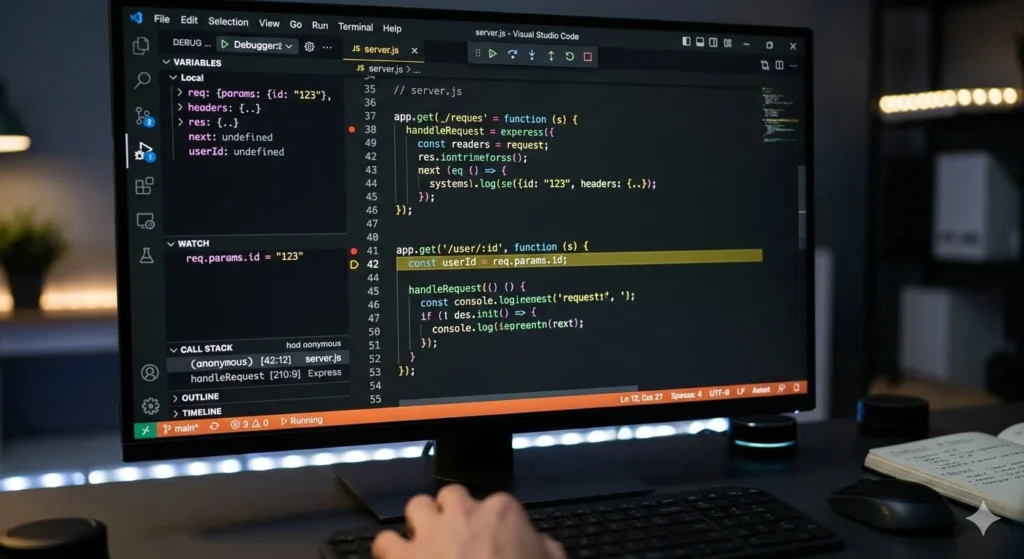
The primary purpose of adding a breakpoint in C is to pause program. That is the execution at a specific line of code during debugging.
This allows you to inspect the live state of your program rather than guessing why it fails.
Key Benefits
- Inspect Variables:
Check current values of data mid-execution.
Trace Flow: Watch the program execute line-by-line using “stepping.” - Isolate Crashes: Stop execution right before a suspected error or crash occurs.
- Test Logic: Verify if conditional statements (like if blocks) execute as expected.
How It Works
Set: You click next to a line number in your IDE (like VS Code or CLion) or use a command in GDB (break main).Run:
You start the program in Debug Mode.Pause: The program runs at full speed until it hits the breakpoint, then freezes safely.