
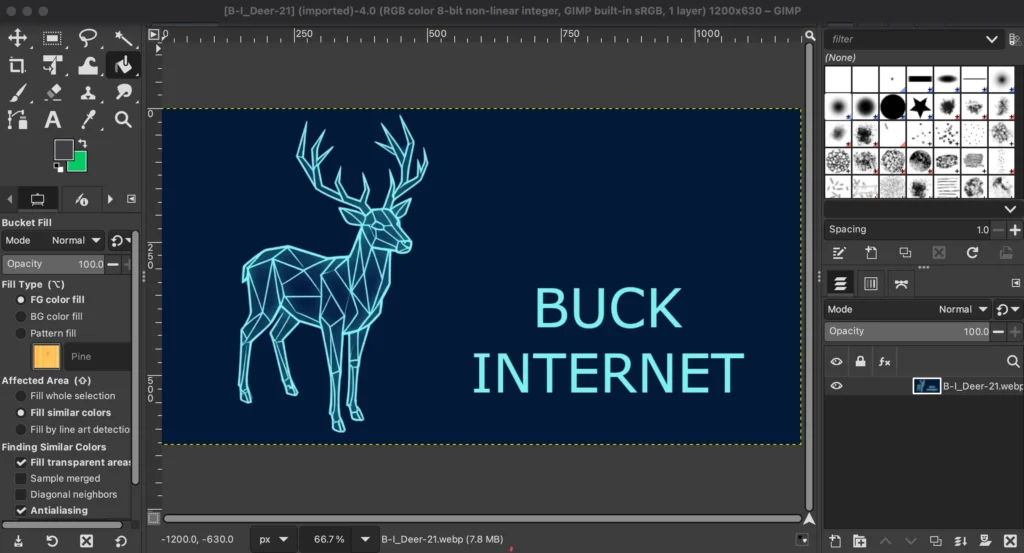
To add a Google Fonts to GIMP, you need to download the font files from Google Fonts, install them onto your operating system, and refresh GIMP’s font library. GIMP automatically loads all fonts installed on your computer.
- Download the FontGo to the Google Fonts Official Website. Search for your desired font (e.g., Roboto or Lobster). Click Download Family in the top right corner. Locate the downloaded .zip file on your computer and extract (unzip) its contents.
- Install the Fonts on Your Operating System: Choose the instructions below that match your computer’s operating system:
- Windows: Open the extracted folder. Select all the font files ending in .ttf or .otf. Right-click the selected files and click Install for all users. Alternatively, search for “Fonts” in your Windows search bar to open your system settings and drag the files into the window.
- macOS: Double-click the extracted .ttf or .otf font file. The Mac Font Book application will open automatically. Click the Install button.
- Linux (Ubuntu/Debian): Move the unzipped .ttf or .otf files into your hidden user font directory.You can find this directory at ~/.local/share/fonts/ or ~/.fonts/.